Smartphones have become an essential part of our daily lives. From communication to entertainment, navigation, productivity, and even health tracking, these pocket-sized devices hold an astonishing amount of power. Yet, most users barely scratch the surface of what their phones can actually do. The question is: are you using your phone to its full potential?
Smartphones Today: More Than Just Calling and Texting
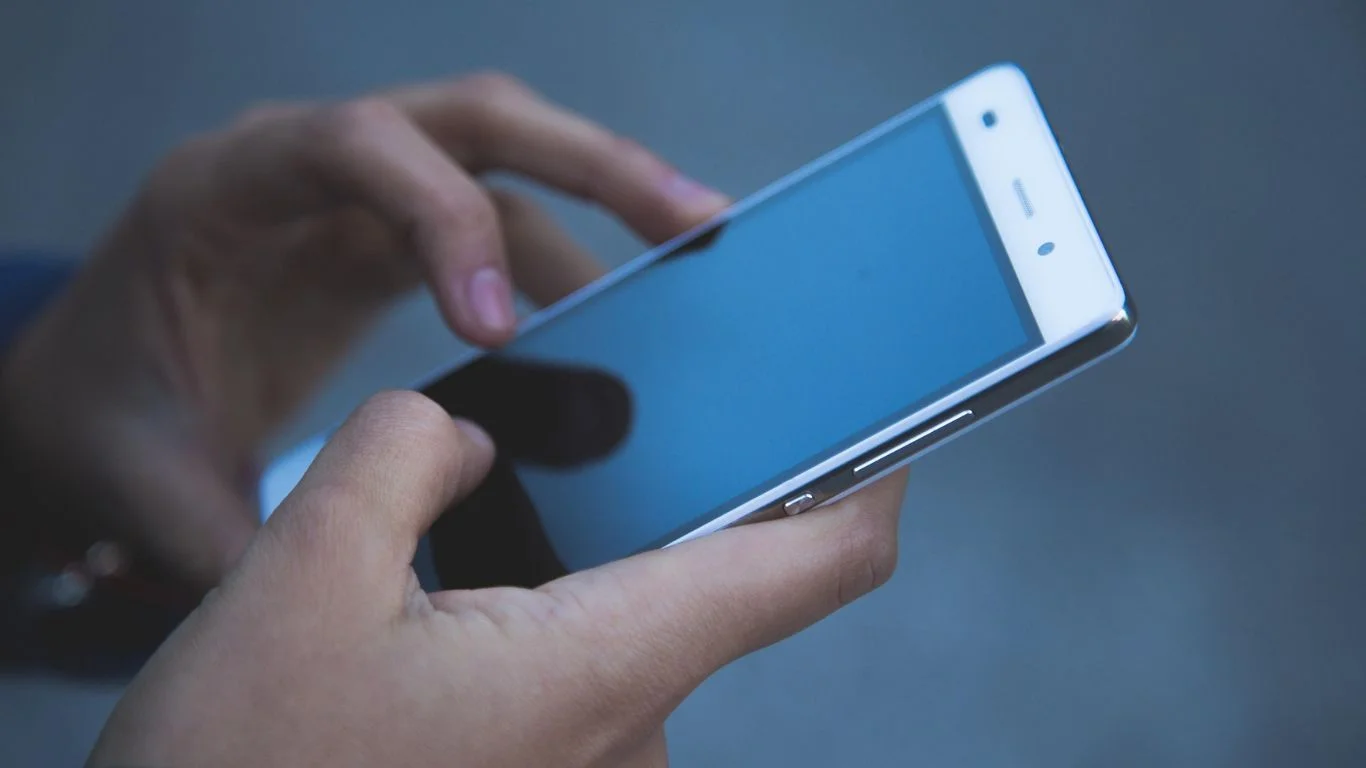
Modern smartphones are far more than tools for calls, texts, or social media scrolling. With advanced processors, high-resolution cameras, and sophisticated operating systems, they can serve as mini-computers in your pocket. Here are just a few things your phone can do:
- Productivity Powerhouse: Apps like Microsoft Office, Google Workspace, and Notion allow you to work, create, and collaborate on the go. Combined with cloud storage, your phone can replace a laptop for many tasks.
- Advanced Photography: Smartphones now rival professional cameras. Features like portrait mode, night photography, AI-enhanced imaging, and video stabilization help capture stunning photos and videos.
- Health and Fitness Tracking: With built-in sensors, apps, and smartwatches, your phone can track steps, sleep, heart rate, and even stress levels. Some devices even monitor blood oxygen and ECG readings.
- Smart Home Control: Smartphones can serve as a hub for smart home devices. From lights and thermostats to security cameras, everything can be controlled from your phone.
- Payment and Security: Digital wallets like Apple Pay and Google Wallet let you pay safely without cash. Biometric authentication ensures your data stays secure.
Tips to Unlock Your Phone’s Full Potential
Even if you’re aware of your phone’s features, many people underutilize them. Here are some ways to get the most out of your device:
- Explore Settings Thoroughly: Your phone’s settings menu is packed with hidden features. From battery optimization to gesture controls, exploring it can improve usability.
- Use Automation: Apps like Shortcuts (iOS) or Tasker (Android) can automate routine tasks, like sending texts, adjusting settings, or launching apps at specific times.
- Master Notifications and Focus Modes: Control notifications to minimize distractions. Use Focus Mode or Do Not Disturb to stay productive.
- Update Regularly: System and app updates not only improve security but also bring new features that can enhance functionality.
- Try New Apps: There’s a wealth of apps designed to improve productivity, creativity, and health. Don’t just stick to the basics—explore apps that can elevate your experience.
The Hidden Potential of AI and Smart Features
Many modern phones integrate AI to make daily tasks easier. From predictive text and smart replies to AI photo enhancement and voice assistants, artificial intelligence can save time and make your phone smarter. Voice assistants like Siri, Google Assistant, or Bixby can set reminders, answer questions, control smart devices, and even run routines automatically.
Are You Really Using It Fully?
Ask yourself these questions:
- Do you know all the features your phone offers?
- Are you using productivity apps to streamline work and daily tasks?
- Do you take advantage of health and fitness tracking?
- Are your photos and videos optimized using AI and camera features?
- Do you automate repetitive tasks to save time?
If you answered “no” to any of these, it’s likely you’re only scratching the surface of what your phone can do.
Conclusion
Your smartphone is more than just a communication device—it’s a powerful tool that can improve productivity, enhance creativity, track health, and simplify daily life. The key is to explore, experiment, and learn about the features and apps available to you. By doing so, you can truly harness the full potential of the device in your pocket and make your life easier, smarter, and more efficient.
FAQs
Explore your phone’s settings, experiment with apps, and utilize productivity, health, and automation features. If you’re only using basic calls, texts, and social media, you’re likely underusing it.
Hidden features include gesture controls, automation apps like Shortcuts (iOS) or Tasker (Android), advanced camera settings, focus modes, and AI-powered suggestions.
Yes. With apps like Microsoft Office, Google Workspace, and cloud storage, smartphones can handle tasks like document editing, email management, and video calls on the go.
Modern smartphones track steps, sleep, heart rate, and stress levels. Paired with smartwatches, they can even monitor blood oxygen and ECG readings for a comprehensive health overview.
AI powers features like predictive text, smart replies, photo enhancement, voice assistants, and automation. These tools save time, enhance user experience, and make your phone smarter.